


Antennas, Antenna Cables, Wireless Products: Technical Articles
2.4 GHz Antenna Guide: Gain, Pattern, Connectors & How to Choose
A 2.4 GHz antenna is an antenna tuned to the 2400–2483.5 MHz ISM band — the unlicensed spectrum used by 802.11b/g/n (and the 2.4 GHz portion of 802.11ax/WiFi 6), Bluetooth and BLE, Zigbee, Thread, and a large share of industrial IoT radios. If you are choosing one, the job is to match four things to your radio and site: the radiation pattern (omnidirectional vs directional), realistic dBi gain, the connector (RP-SMA, SMA, U.FL/MHF4 or N-type), and a 50-ohm feedline whose loss you can live with. This guide walks through each decision the way an integrator actually makes it.
Why the 2.4 GHz band is different
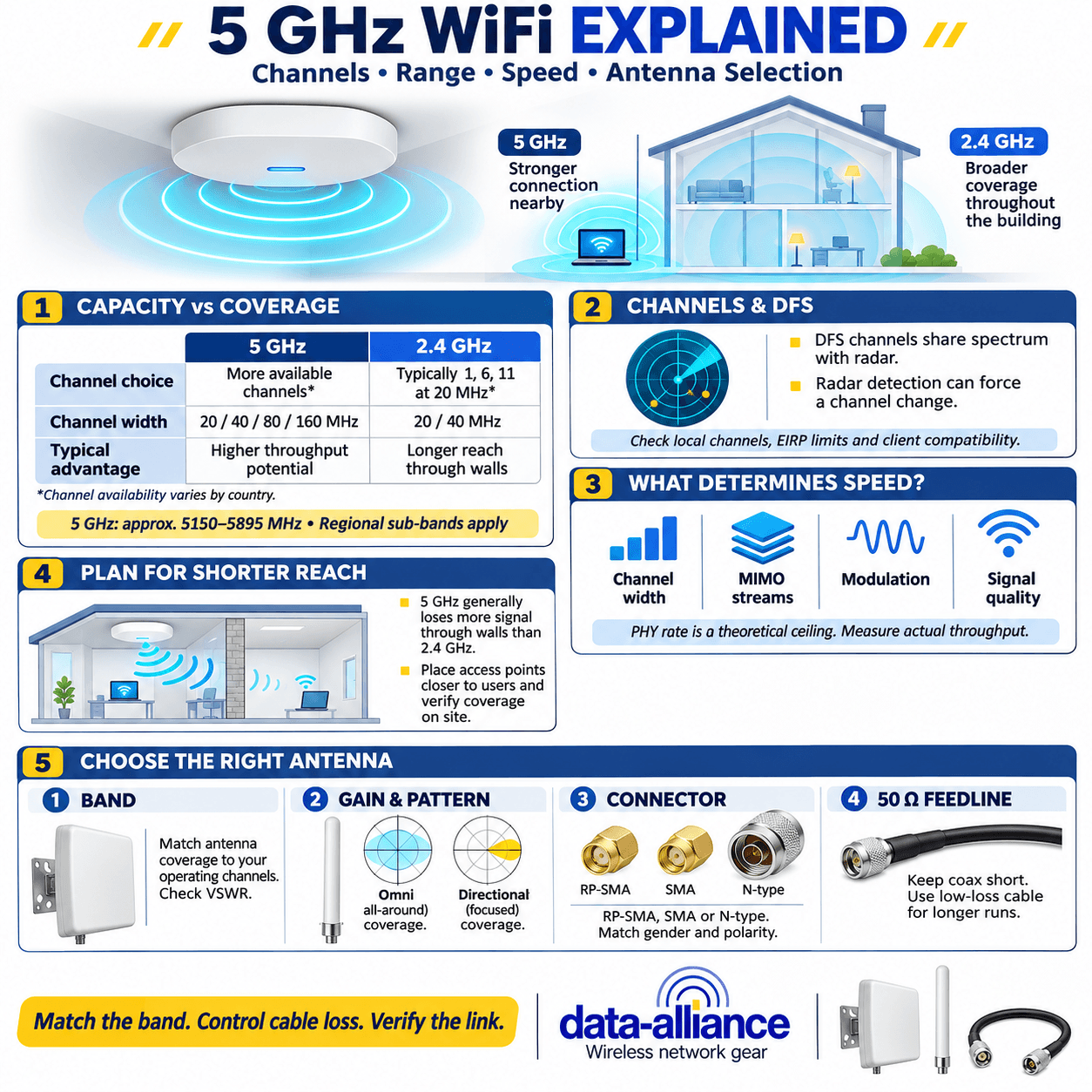
The 2.4 GHz band penetrates walls and obstacles better than 5 GHz and travels farther at the same power, which is why it remains the default for coverage-first deployments and long-range IoT links. The trade-off is congestion: the band is crowded, offers only three non-overlapping 20 MHz channels (1, 6, 11 in North America), and shares spectrum with microwave ovens, Bluetooth and cordless devices. A well-matched 2.4 GHz antenna cannot fix interference, but choosing the right pattern and gain puts RF where you need it and keeps it out of where you don't. For a side-by-side on where each band wins, see our breakdown of 5 GHz wireless frequency properties compared to 2.4 GHz WiFi.
Radiation pattern: omnidirectional vs directional
Pattern is the first decision because it determines coverage shape.
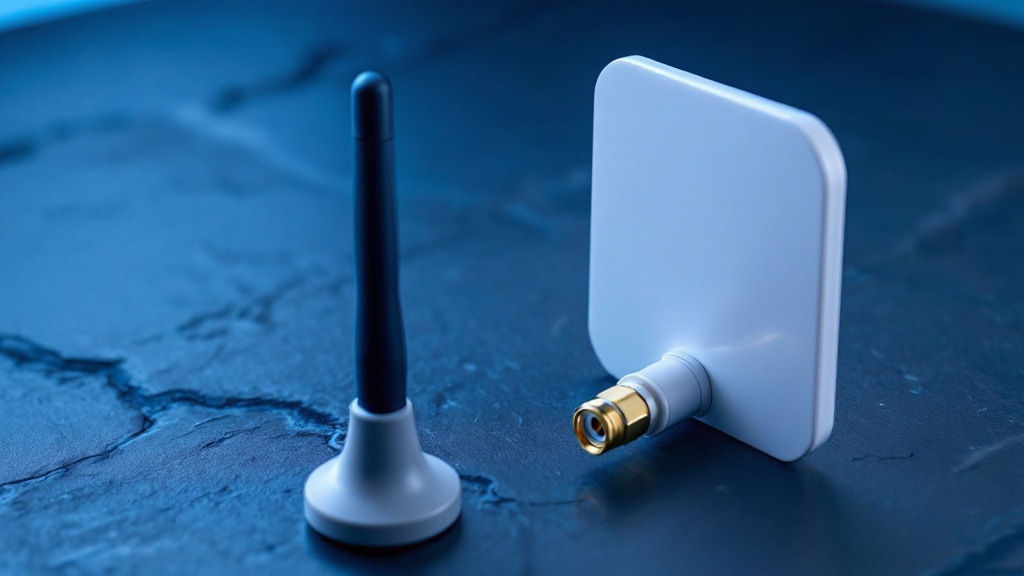
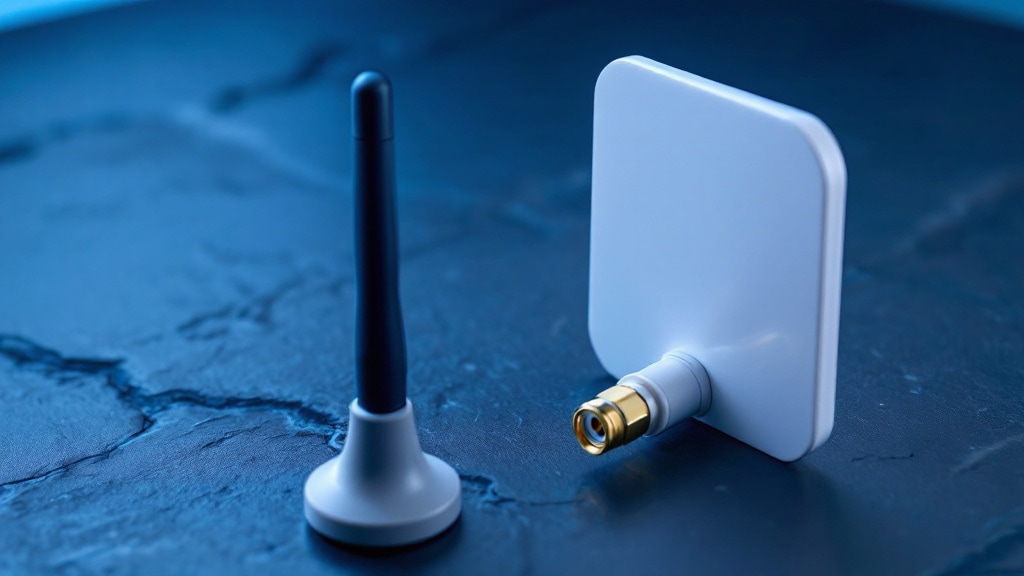
- Omnidirectional antennas radiate 360° in the horizontal plane. Use them for access points, hubs serving clients in all directions, and central IoT gateways. Typical 2.4 GHz omni gain runs from about 2 dBi (a stock rubber-duck) up to roughly 8–9 dBi for a tall collinear. Remember that higher omni gain flattens the vertical beam — a high-gain omni squeezes energy toward the horizon, which can actually under-serve clients directly below a ceiling mount.
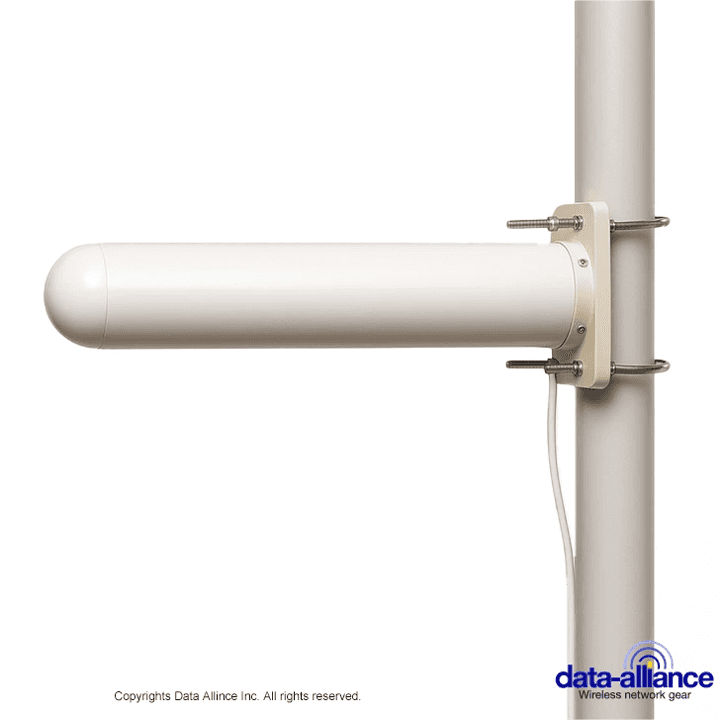
- Directional antennas (panel, patch, Yagi, grid) concentrate energy into a forward beam for point-to-point links, long corridors, or covering a specific zone while rejecting interference from behind. Panels commonly sit around 8–14 dBi; 2.4 GHz Yagis and grids can reach the high teens to low 20s dBi with correspondingly narrow beamwidth.
If you need the mechanics of how a directional array builds gain and front-to-back ratio, our Yagi antenna guide covers beamwidth and element design in detail.
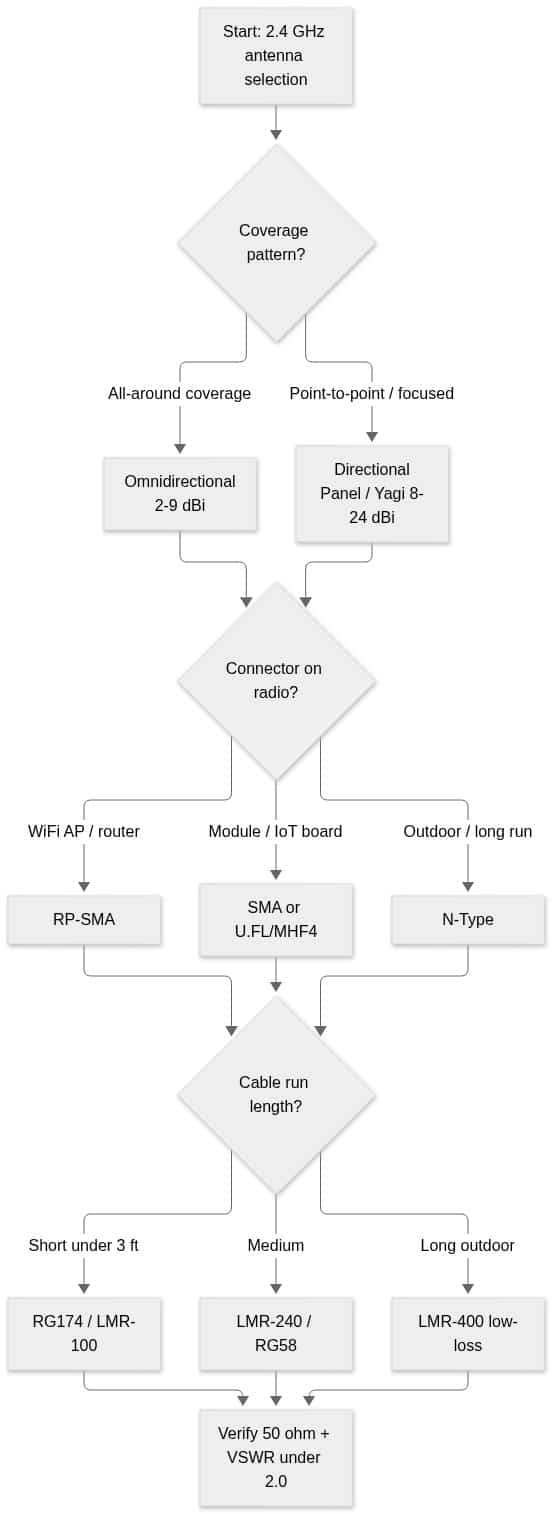
How to choose a 2.4 GHz antenna, step by step
The decision tree below condenses pattern, connector and feedline into one path. Work it top to bottom and you'll land on a compatible, correctly matched assembly.
Connectors: match the radio, not just the band
The band does not dictate the connector — the radio does. On 2.4 GHz gear you will most often see:
- RP-SMA — the de facto standard on consumer and SMB WiFi access points and routers. Reverse-polarity, so it will not mate with standard SMA even though the threads look identical.
- SMA — common on cellular/IoT modules, some enterprise radios and test gear.
- U.FL / MHF4 — miniature board connectors on compact modules and M.2 cards; you typically run a U.FL pigtail out to a bulkhead SMA or RP-SMA.
- N-type — rugged and weatherproof, used on outdoor antennas and the end of longer coax runs.
Gender and polarity trip up more installs than frequency ever does. If you are unsure which end is which, our antenna connector types guide and the deeper dive on SMA connector specifications lay out polarity and gender clearly. When in doubt, verify the physical connector on the radio before ordering.
Gain, impedance and VSWR
Three electrical specs decide whether the antenna actually performs:
- Gain (dBi) is directional efficiency, not free power. More gain narrows the beam. Be skeptical of consumer "high-gain" claims — a true 2.4 GHz omni above ~9 dBi is physically large, and an inflated dBi number on a short whip is marketing, not physics.
- Impedance on virtually all WiFi/IoT RF is 50 ohms. Keep the antenna, coax and connectors all at 50 ohms end to end.
- VSWR describes the impedance match. Aim for VSWR ≤ 2.0:1 across 2400–2483.5 MHz, which corresponds to roughly 90% of forward power reaching the antenna. If a datasheet omits the VSWR curve over the band, treat that as a spec to verify.
For a working explanation of how VSWR and matching affect real-world throughput, see VSWR and impedance matching in antennas.
Cable and loss: where 2.4 GHz performance is won or lost
Coax loss rises with frequency, and at 2.4 GHz thin cable punishes you fast. A few feet of RG174 can erase every dB your antenna's gain provided. Keep pigtails short, and step up cable diameter as the run grows. The figures below are approximate loss at 2.4 GHz and should be confirmed against the specific cable's datasheet.
Approximate coax loss at 2.4 GHz
| Cable type | Approx. loss per 100 ft @ 2.4 GHz | Typical use |
|---|---|---|
| RG174 / LMR-100 | ~ 39–45 dB | Very short pigtails only (under ~3 ft) |
| RG58 | ~ 32–35 dB | Short indoor jumpers |
| LMR-240 | ~ 13 dB | Medium indoor/outdoor runs |
| LMR-400 | ~ 6.8 dB | Long outdoor runs, point-to-point |
| LMR-600 | ~ 4.4 dB | Very long outdoor backhaul |
Rule of thumb: match cable loss against antenna gain. A 9 dBi antenna fed through 100 ft of RG58 nets you a deep negative — the cable, not the antenna, is your system. For how LMR-400 behaves on longer runs, see the LMR-400 coax specifications write-up.
Common 2.4 GHz antenna types at a glance
| Type | Pattern | Typical gain | Best for |
|---|---|---|---|
| Rubber-duck / whip | Omni | 2–5 dBi | APs, routers, modules |
| Collinear omni | Omni | 6–9 dBi | Central coverage, gateways |
| Panel / patch | Directional | 8–14 dBi | Zone coverage, interference rejection |
| Yagi | Directional | 12–18 dBi | Long corridors, PtP links |
| Grid / parabolic | Highly directional | 18–24 dBi | Long-range point-to-point |
Shop 2.4 GHz antennas and cables
Data Alliance stocks 2.4 GHz omnidirectional and directional antennas with the full range of connectors, plus custom-manufactured pigtails and low-loss coax assemblies cut to your length. Browse the WiFi antennas collection to add the right 2.4 GHz antenna to your cart, or build a matched feedline from our antenna cables & adapters. Need a non-standard connector, length, or assembly? Request a custom quote or contact technical support — and remember, orders placed before 4pm MST ship same day.
Frequently asked questions about 2.4 GHz antennas
Will any 2.4 GHz antenna work with my WiFi router?
Electrically, any 50-ohm 2.4 GHz antenna is tuned to the band, but it must physically mate with your radio's connector — usually RP-SMA on consumer and SMB WiFi gear. Confirm the connector type and gender first, then pick pattern and gain for your coverage goal.
Is a higher-dBi 2.4 GHz antenna always better?
No. Gain narrows the beam, so a high-gain omni can starve clients directly below or above it, and a high-gain directional must be aimed accurately. Choose gain to match your coverage shape, not to chase the biggest number on the box.
Can I use one antenna for both 2.4 GHz and 5 GHz?
Yes — dual-band antennas are tuned to both the 2.4 GHz and 5 GHz ranges and are standard for dual-band 802.11 access points. If your deployment is 2.4 GHz only, a single-band antenna is often more efficient and cheaper. For band trade-offs, compare the 2.4 GHz and 5 GHz properties in our frequency comparison.
What impedance and VSWR should a 2.4 GHz antenna have?
Impedance should be 50 ohms to match standard WiFi and IoT radios and coax. Target VSWR of 2.0:1 or better across 2400–2483.5 MHz; if the datasheet doesn't publish the VSWR curve over the full band, verify it before deploying.
How much does cable length reduce 2.4 GHz performance?
Significantly — loss at 2.4 GHz is high and rises with run length and thinner cable. Keep pigtails short (RG174/LMR-100 only for a few feet), and use LMR-240 or LMR-400 for longer runs so you don't give back your antenna's gain in the feedline.